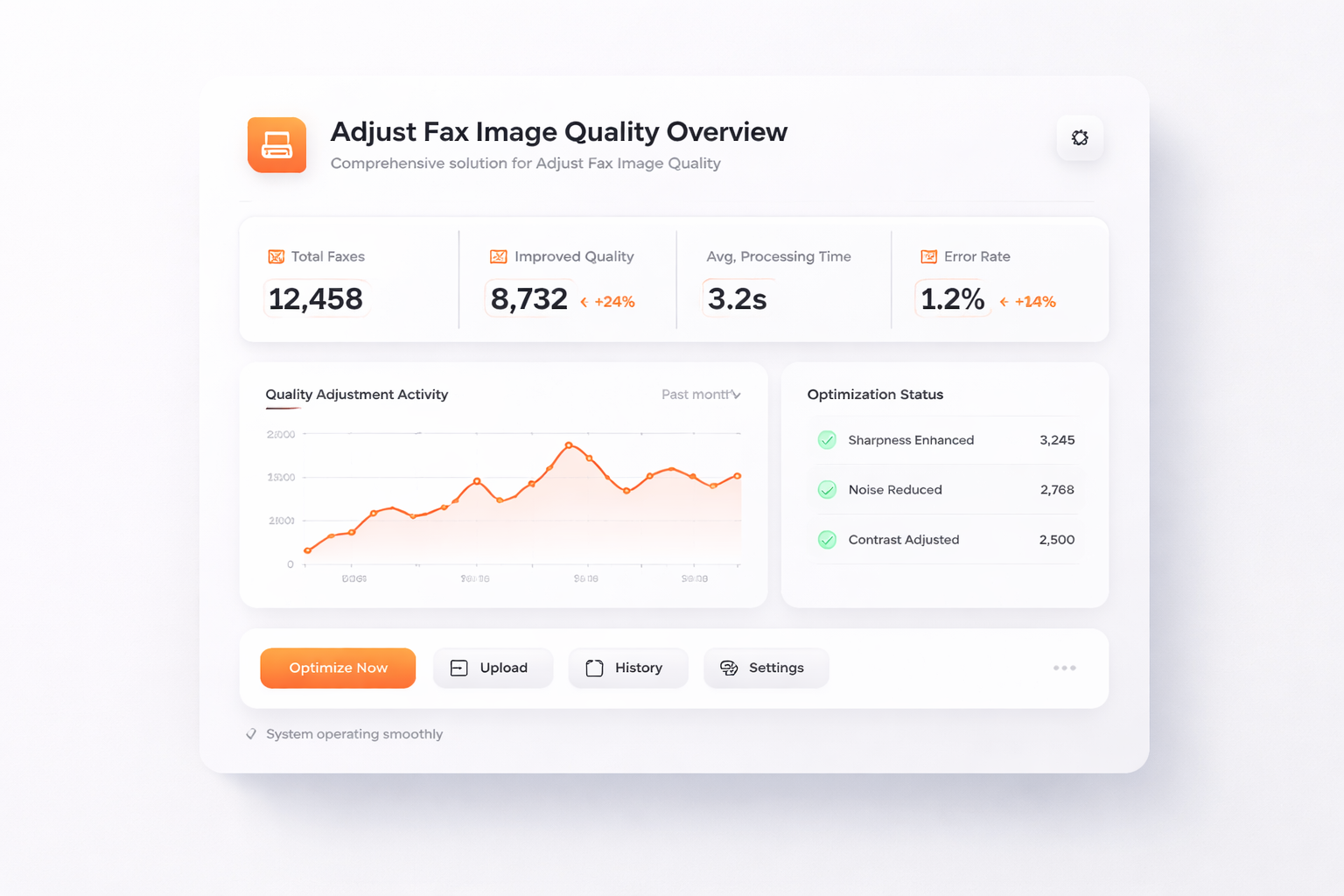
Adjust-Fax-Image-Quality

Improve the clarity and readability of your faxed documents for a more professional presentation.

  • Ensure that your documents are received in the best possible quality, enhancing communication efficiency.
  • Adjust Fax Image Quality allows you to customize settings to meet your business's specific needs.
Get Started Now
TalkHeap Vanity Number Example

Why Choose TalkHeap?

Enhanced Readability

Improved quality ensures that every detail is clear, making it easier for recipients to read and understand the content.

Time Efficiency

Reduce time spent clarifying or resending unclear documents, streamlining your communication process.

Customizable Settings

Adapt image quality settings to suit different documents and purposes, catering to the varied needs of your business.

Key Features of Adjust-Fax-Image-Quality

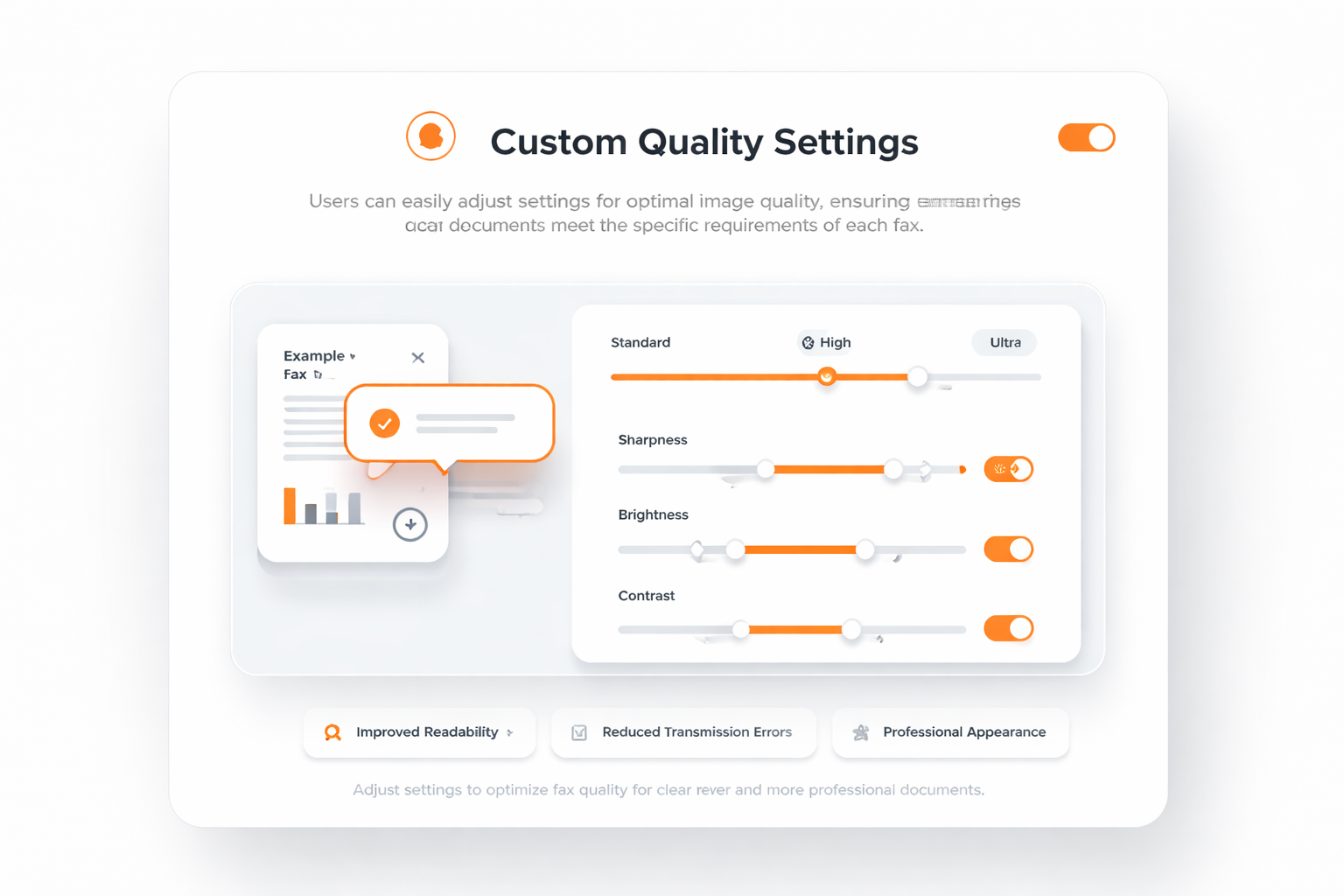
Custom Quality Settings

Custom Quality Settings

Users can easily adjust settings for optimal image quality, ensuring documents meet the specific requirements of each fax.

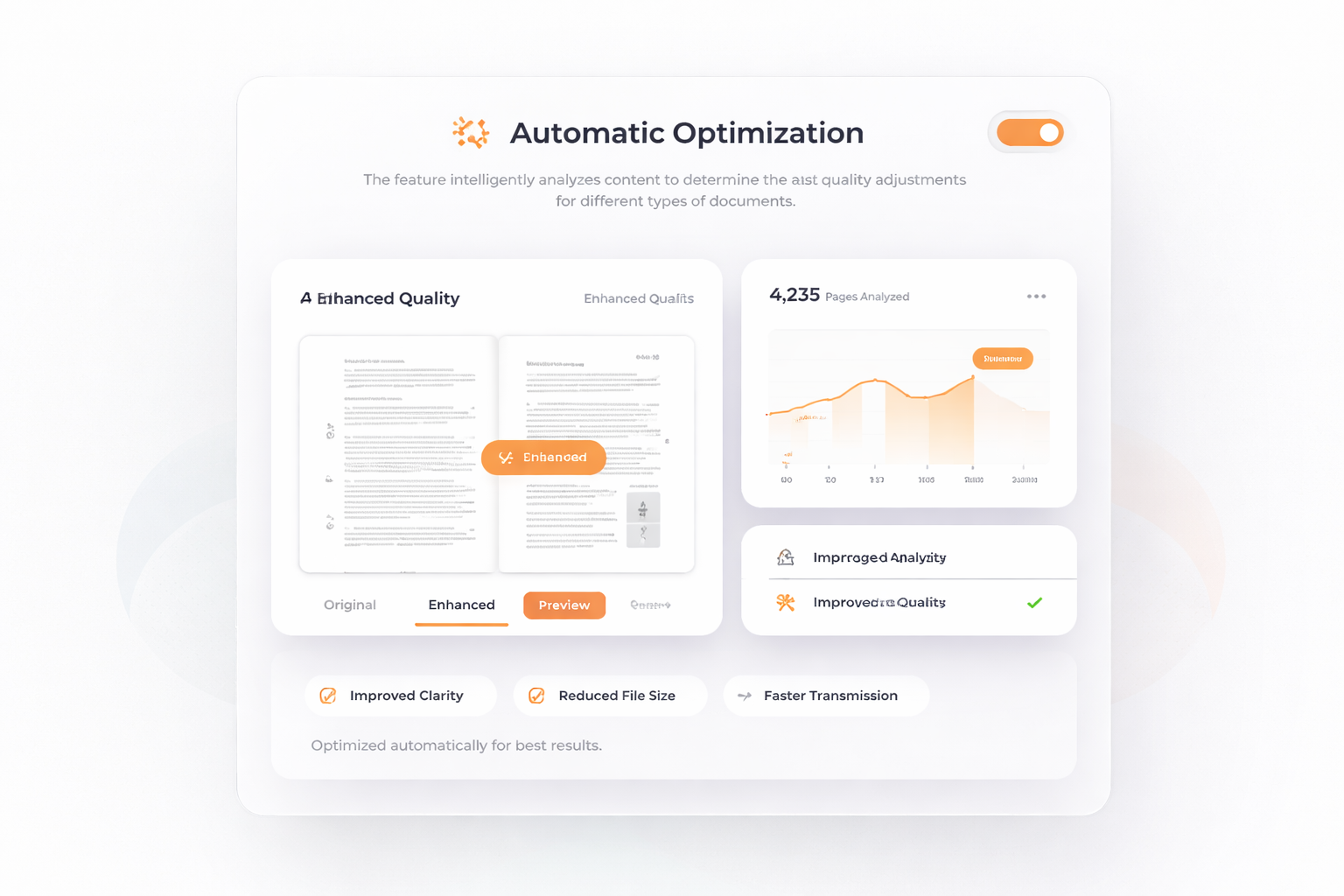
Automatic Optimization

Automatic Optimization

The feature intelligently analyzes content to determine the best quality adjustments for different types of documents.

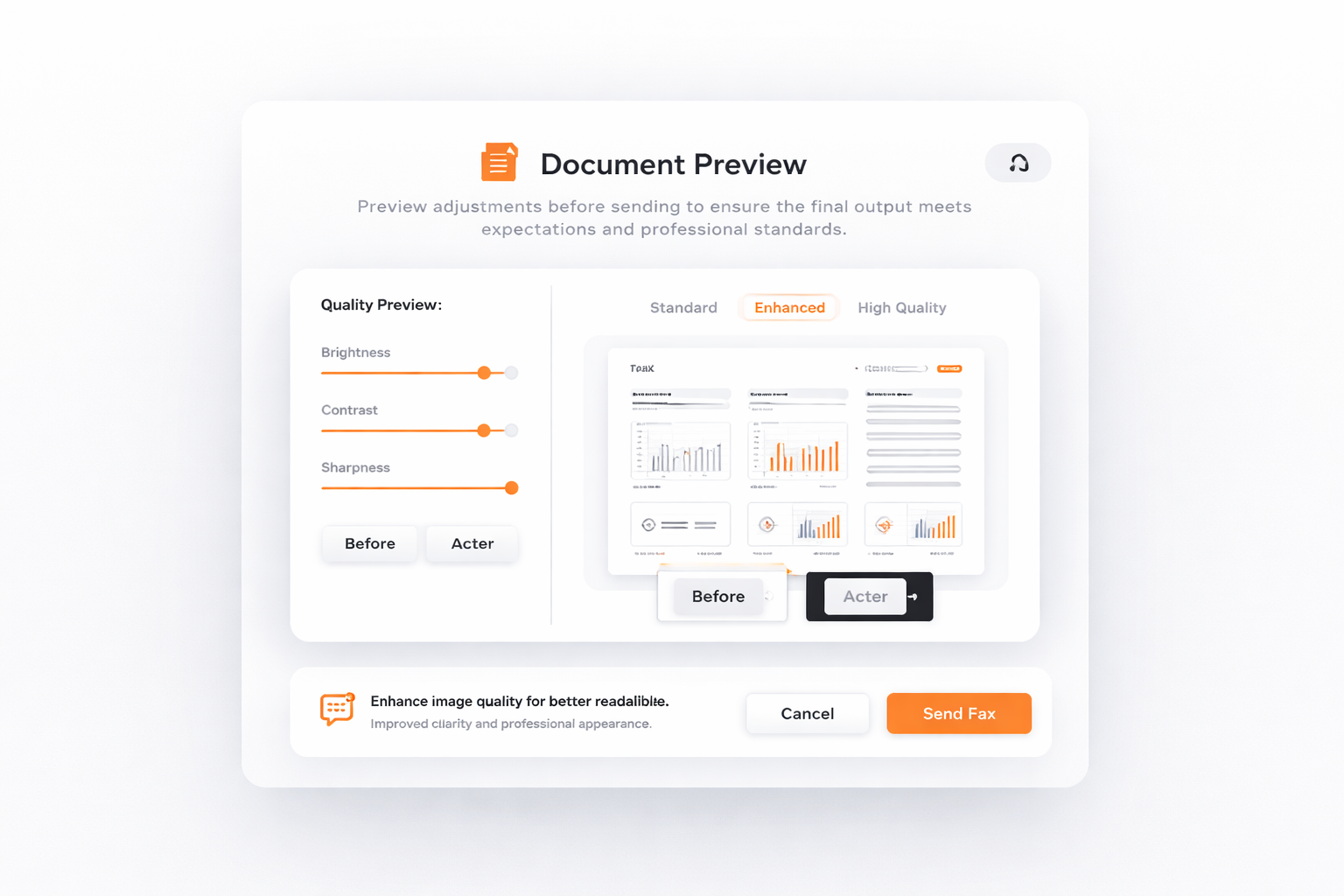
Document Preview

Document Preview

Preview adjustments before sending to ensure the final output meets expectations and professional standards.

How to Get Started with TalkHeap's Adjust-Fax-Image-Quality Feature

1

Step 1

Sign up for a TalkHeap account.

2

Step 2

Purchase a second number.

3

Step 3

Go to Settings tab, click Adjust Fax Image Quality

4

Step 4

Subscribe to the add-on

Trusted by over 2 million happy users

Processed more than 14M SMS messages and 10M minutes of calls.

5 stars
Utilizing TalkHeap's Adjust-Fax-Image-Quality feature has greatly improved the presentation of our faxed documents. The adjustments ensure that our communications are clear and professional, significantly enhancing our client interactions. We've experienced fewer miscommunications and improved satisfaction levels among our clients since implementing this feature.
Amelia

Jordan Smith

Business Owner, New York, USA

Get Started Now

Trusted. Top-Rated. TalkHeap.

Our Integration Partners and Client

Trusted companies using TalkHeap

Frequently Asked Questions

What is the Adjust-Fax-Image-Quality feature?

The Adjust-Fax-Image-Quality feature is designed to enhance the clarity of fax documents, ensuring communications are transmitted with exceptional quality.

How does Adjust-Fax-Image-Quality benefit business communications?

It helps optimize the presentation of faxed documents, maintaining professionalism and reducing misunderstandings by ensuring precision in document presentation.

Can Adjust-Fax-Image-Quality handle different types of documents?

Yes, it provides flexible options to alter image quality, catering to diverse business needs from simple text documents to complex graphics.

Why is clear communication important in business operations?

Clear communication is essential for reducing errors and misunderstandings, achieving superior customer satisfaction, and reinforcing a professional image in all transactions.

How does Adjust-Fax-Image-Quality integrate into existing workflows?

The feature seamlessly integrates into existing workflows, enhancing communication reliability without disrupting current operations.