Messages-Sync-Across-Mobile-and-Desktop-Apps

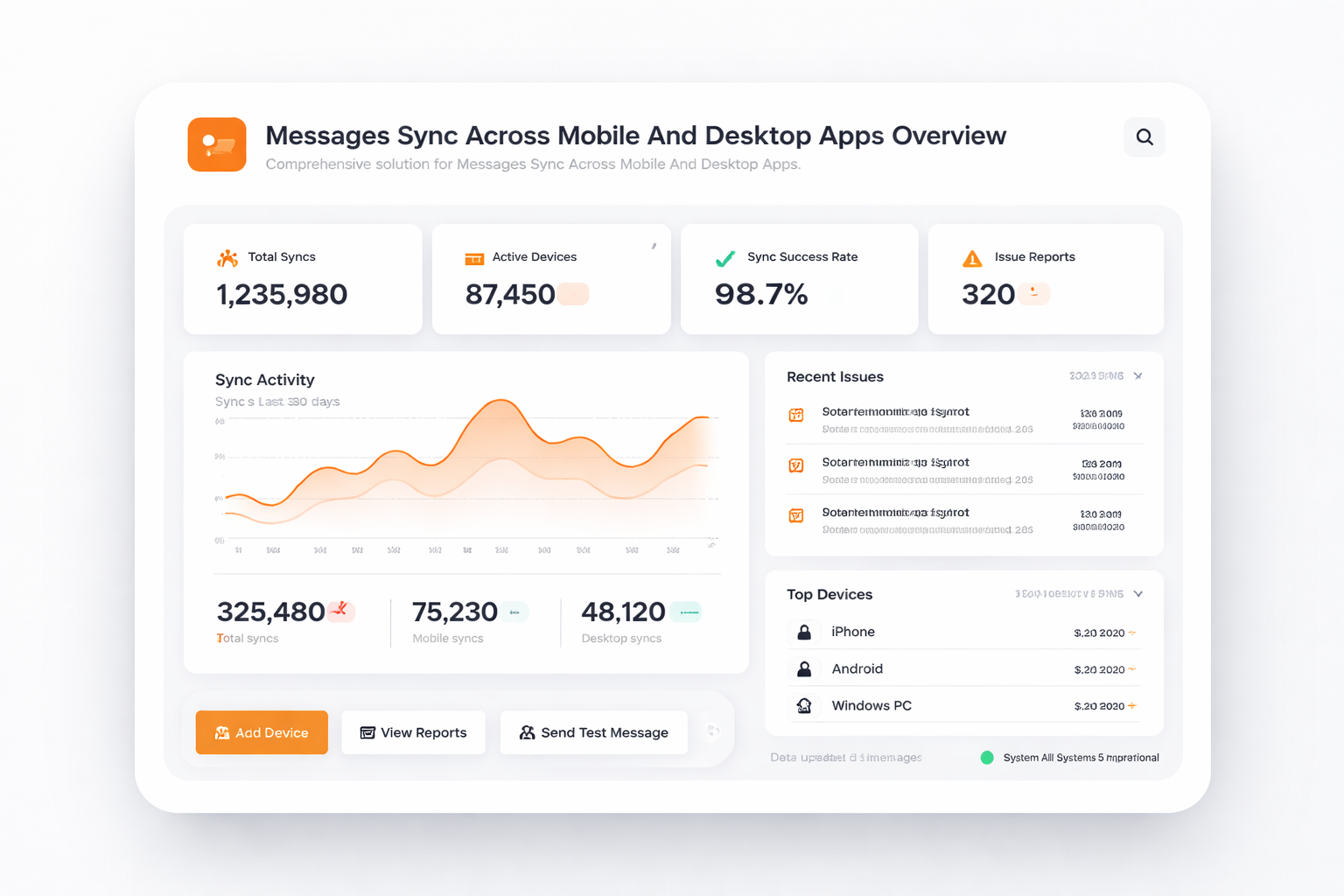
Experience uninterrupted communication with synchronized messaging across all your devices.

  • Stay connected with your team and clients, regardless
  • TalkHeap's message sync keeps your conversations organized and
Get Started Now
TalkHeap Vanity Number Example

Why Choose TalkHeap?

Real-Time Synchronization

Ensure all messages are updated across devices instantly, allowing for seamless communication.

Collaborative Communication

Promotes team collaboration by maintaining a unified conversation history accessible to all members.

Increased Productivity

Streamline workflows by providing quick access to message threads, reducing response times.

Key Features of Messages Sync

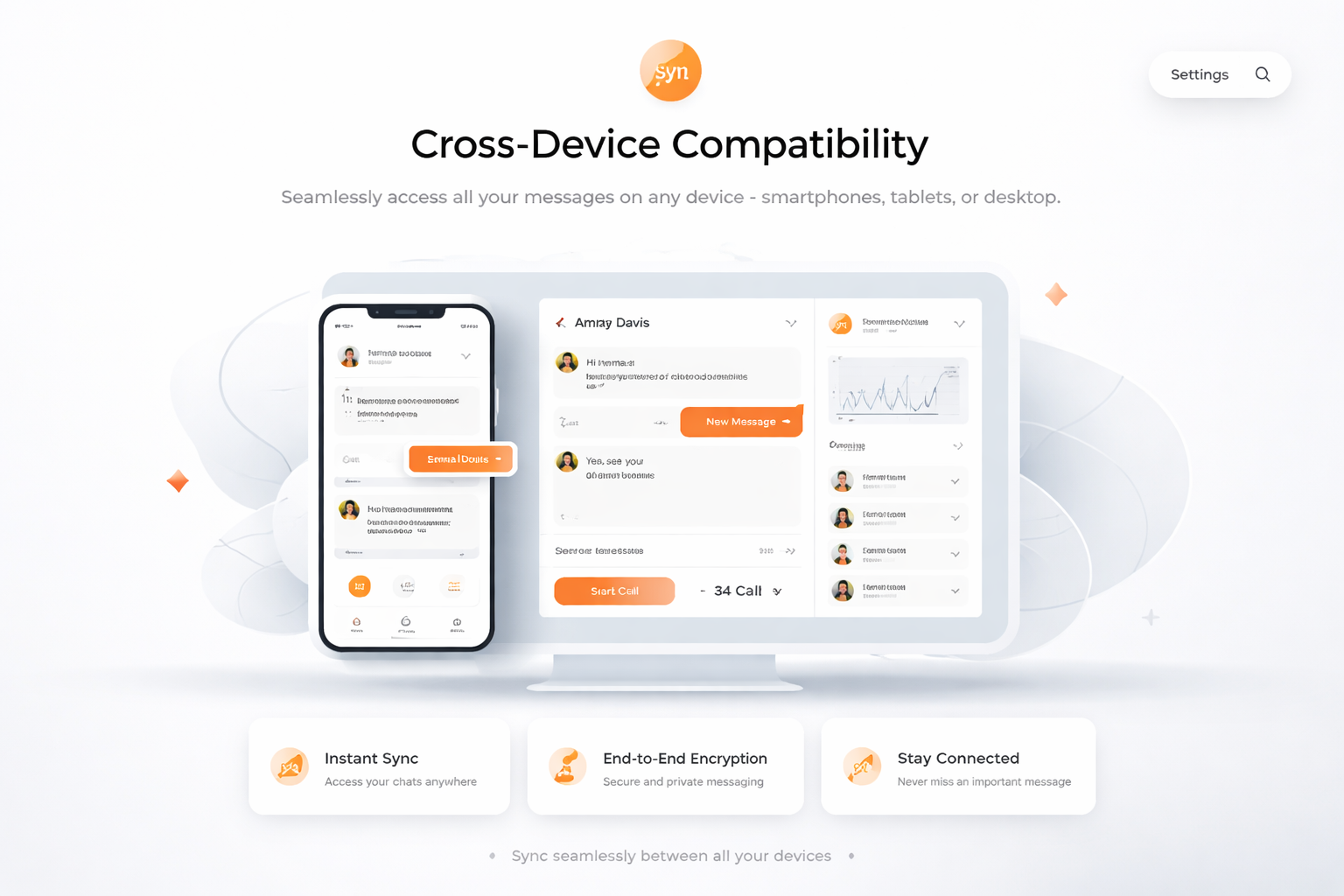
Cross-Device Compatibility

Cross-Device Compatibility

Seamlessly access all your messages on any device - smartphones, tablets, or desktop.

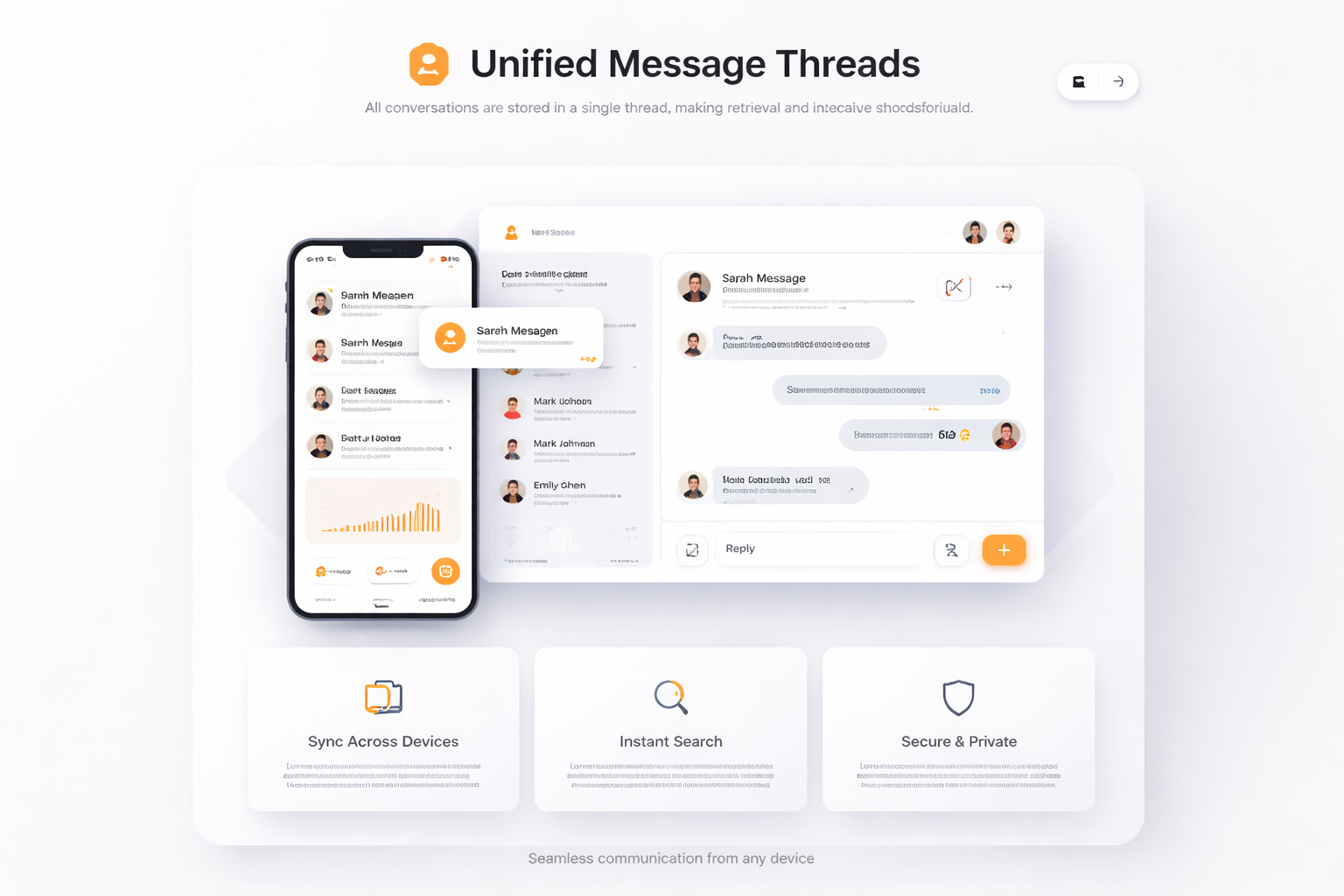
Unified Message Threads

Unified Message Threads

All conversations are stored in a single thread, making retrieval and reference straightforward.

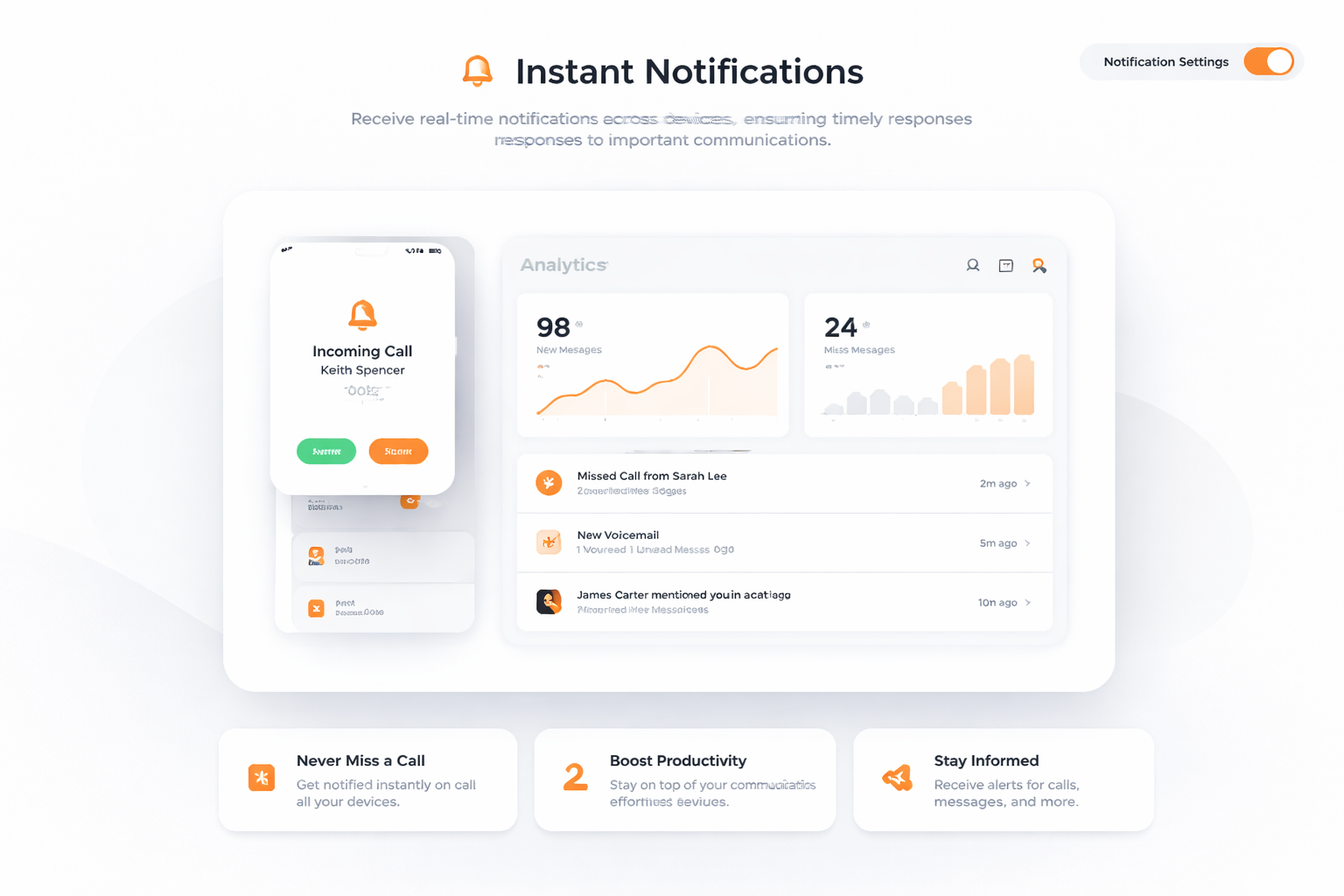
Instant Notifications

Instant Notifications

Receive real-time notifications across devices, ensuring timely responses to important communications.

How to Get Started with TalkHeap's Messages Sync

1

Step 1

Sign up for a TalkHeap account.

2

Step 2

Purchase a second number.

3

Step 3

Go to Settings tab, click Messages sync across mobile and desktop apps

4

Step 4

Subscribe to the add-on

Trusted by over 2 million happy users

Processed more than 14M SMS messages and 10M minutes of calls.

5 stars
Utilizing TalkHeap's messaging sync feature has revolutionized our communication process. The ability to seamlessly access messages across all devices ensures that our team can collaborate efficiently. We have seen a remarkable increase in productivity, and our client communications have never been smoother. It's an essential tool for any modern business.
Olivia

Jordan Smith

Business Owner, New York, USA

Get Started Now

Trusted. Top-Rated. TalkHeap.

Our Integration Partners and Client

Trusted companies using TalkHeap

Frequently Asked Questions

What is Messages Sync?

Messages Sync is a feature that automatically updates messages across multiple devices, ensuring seamless communication for businesses.

How does Messages Sync benefit business communication?

Messages Sync enhances business communication by allowing employees to access and respond to conversations from any device, improving workflow and collaboration.

Can Messages Sync improve response times?

Yes, by synchronizing messages across devices, businesses can respond to customer queries and internal communications more swiftly and efficiently.

What devices are supported by Messages Sync?

Messages Sync supports synchronization across mobile devices, tablets, and desktop computers, ensuring continuity in communication.

Why is Messages Sync important for collaborative teams?

Messages Sync is important for collaborative teams because it allows real-time communication and response, fostering a more connected and dynamic working environment.