Shared-Text-Inbox
Streamline your team's messaging with a collaborative text inbox solution
- Centralize team communication while ensuring customer inquiries are
- TalkHeap's shared text inbox enables seamless collaboration among

Streamline your team's messaging with a collaborative text inbox solution
Facilitate teamwork by allowing multiple agents to manage conversations seamlessly.
Respond to inquiries swiftly, ensuring customer satisfaction and retention.
Secure communication with features designed to protect sensitive information.

Allow multiple team members to access and respond to messages from a singular inbox, enhancing collaboration.
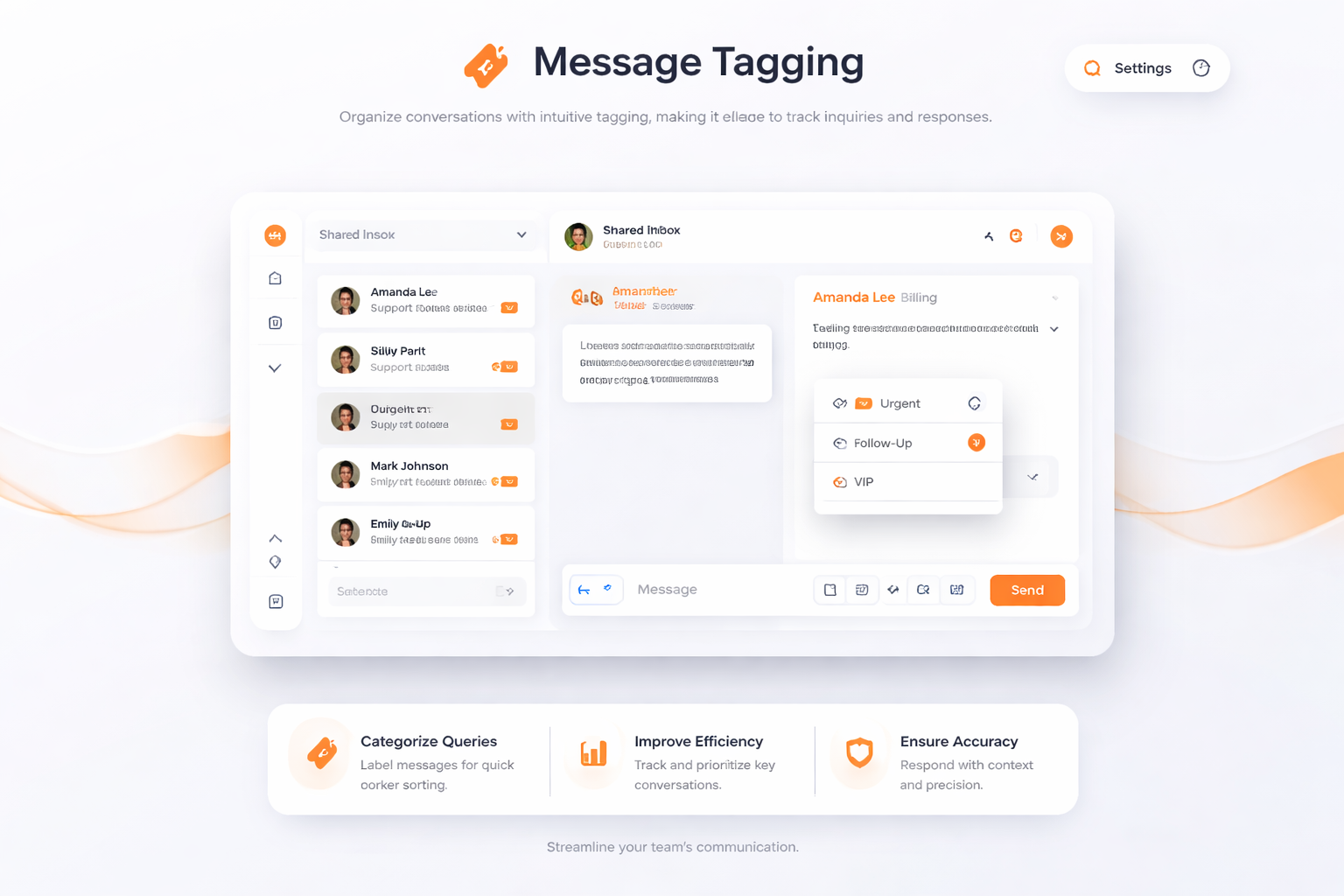
Organize conversations with intuitive tagging, making it easier to track inquiries and responses.
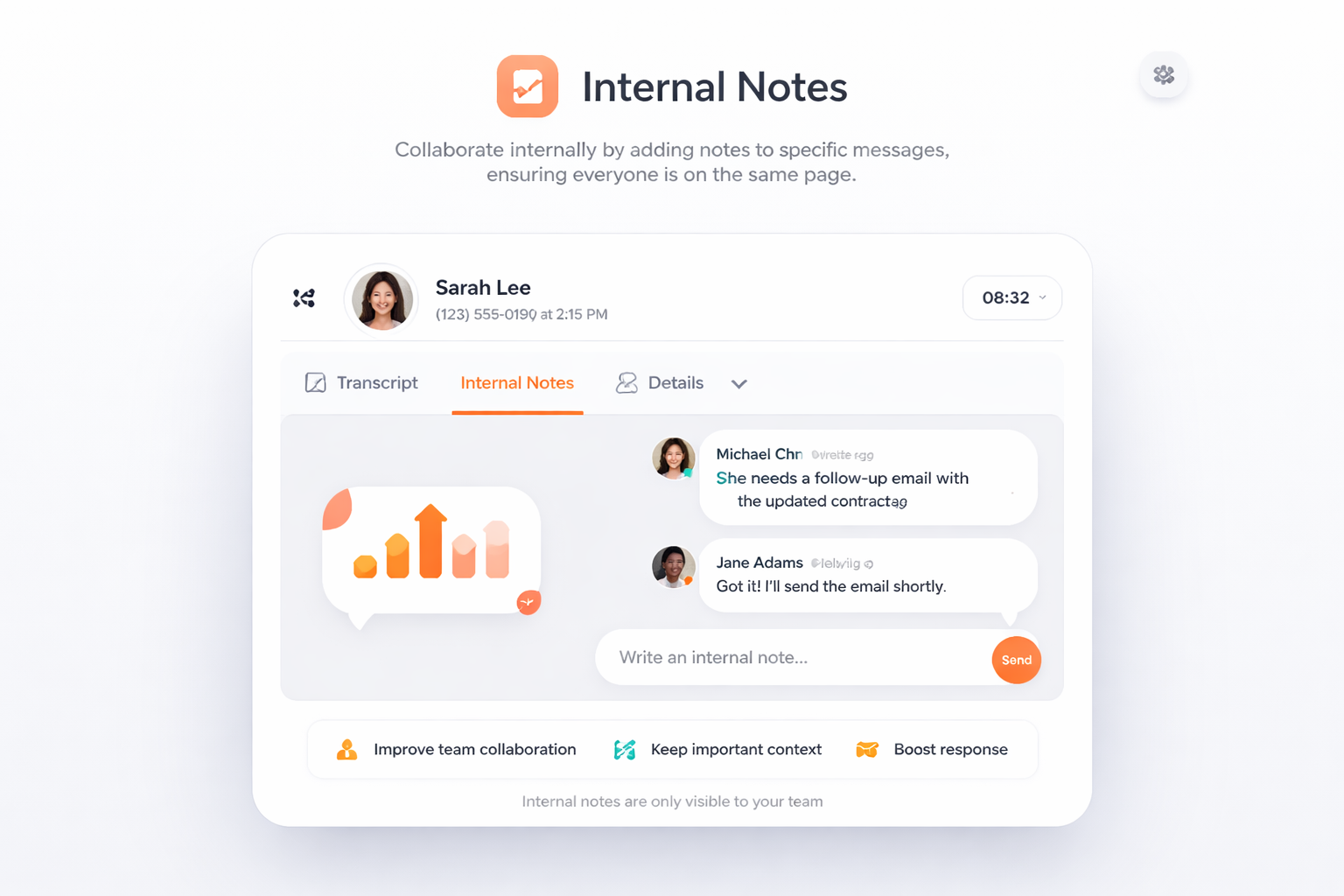
Collaborate internally by adding notes to specific messages, ensuring everyone is on the same page.
Sign up for a TalkHeap account.
Purchase a second number.
Go to Settings tab, click Shared Text Inbox
Subscribe to the add-on
Processed more than 14M SMS messages and 10M minutes of calls.

Utilizing TalkHeap's shared text inbox has transformed our approach to communication with clients. It simplifies the process of managing customer inquiries and enhances our team's responsiveness. The collaborative features ensure that every message receives prompt attention, enhancing overall client satisfaction.

Business Owner, New York, USA
A shared text inbox is a communication tool that consolidates all text messages from clients into a single collaborative inbox, allowing multiple users to access and respond to inquiries efficiently.
A shared text inbox enhances business communication by providing a centralized space for team interactions, enabling collaborative responses, message tracking, and task assignments, which ultimately lead to improved efficiency and customer satisfaction.
Using a shared text inbox for customer interactions improves response times, ensures that no client message goes unanswered, and fosters a professional image by allowing team members to collaborate effectively on individual messages.
A shared text inbox enhances teamwork by allowing teams to respond to messages collaboratively, share insights, and assign tasks, creating an environment that supports teamwork and customer satisfaction.
Features such as message tagging, search functionality, and internal notes help users manage conversations efficiently, making it easier for teams to stay organized and informed on customer interactions.