Team-Messaging
Enhance communication and collaboration within your team using our powerful messaging platform.
- Stay connected with real-time messaging, file sharing, and
- TalkHeap's team messaging ensures that your team can
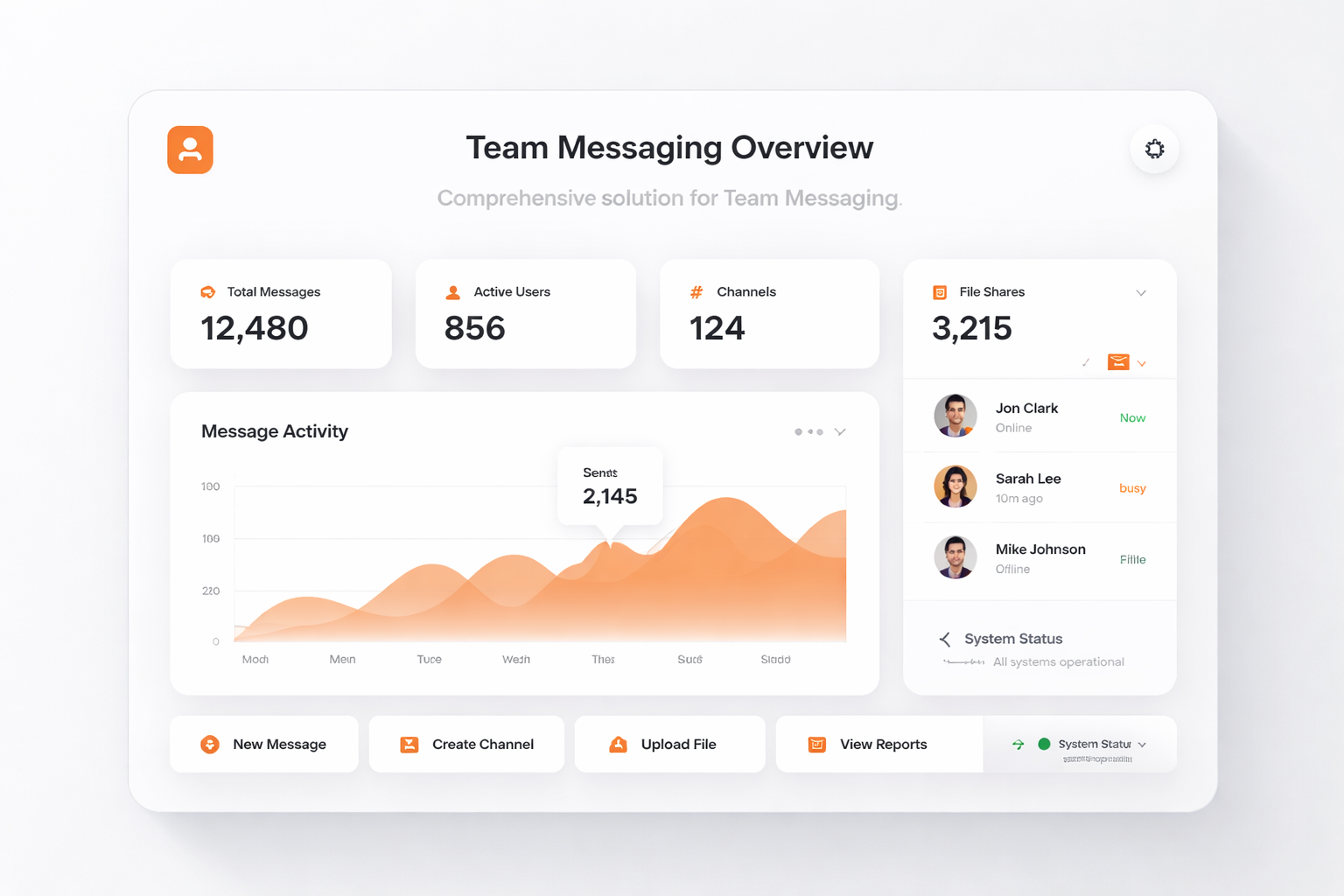
Enhance communication and collaboration within your team using our powerful messaging platform.
Engage in instant conversations that keep your team connected, regardless of location.
Work together effortlessly by sharing files and information within dedicated channels.
Reduce the expenses associated with traditional communication methods while boosting team productivity.
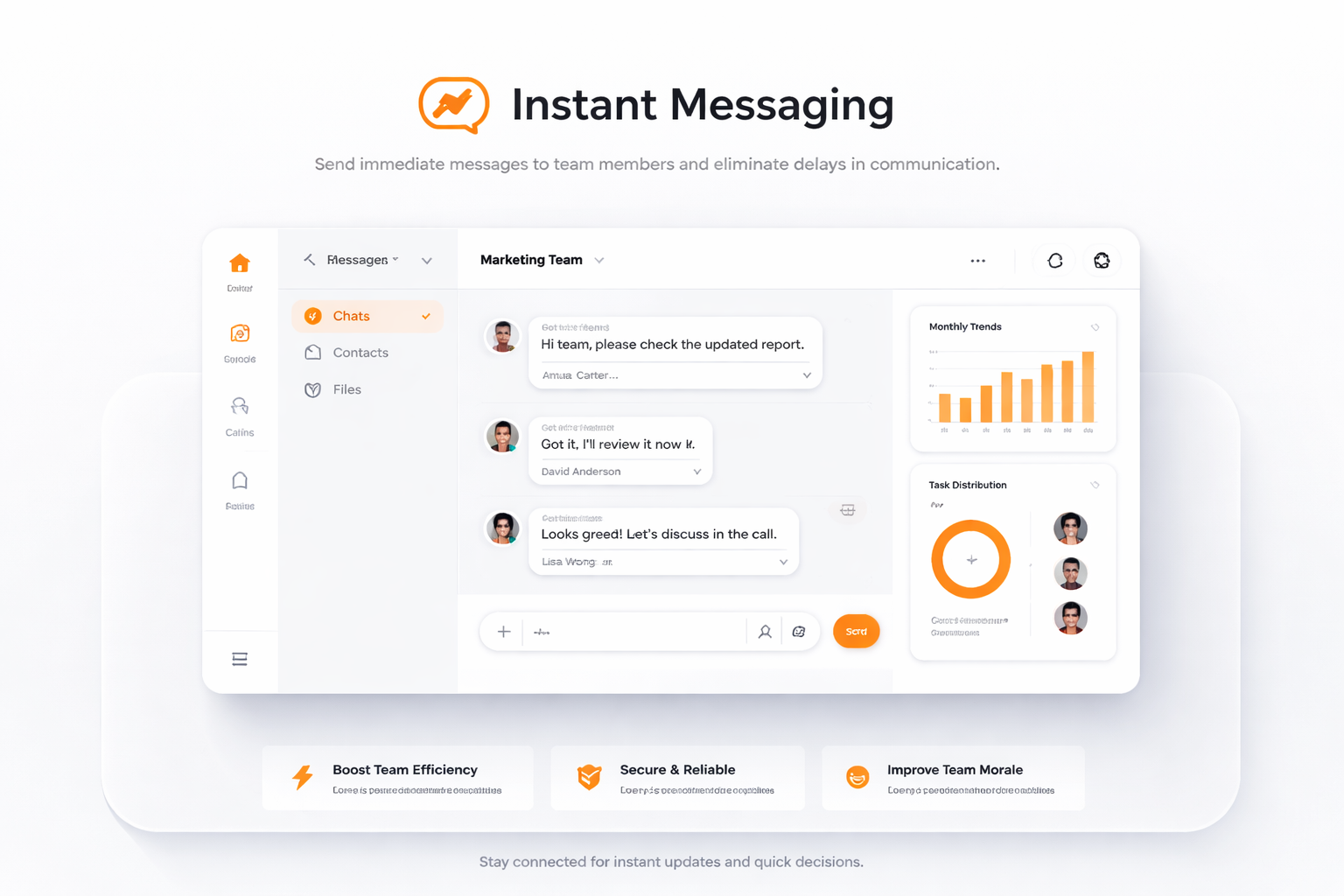
Send immediate messages to team members and eliminate delays in communication.
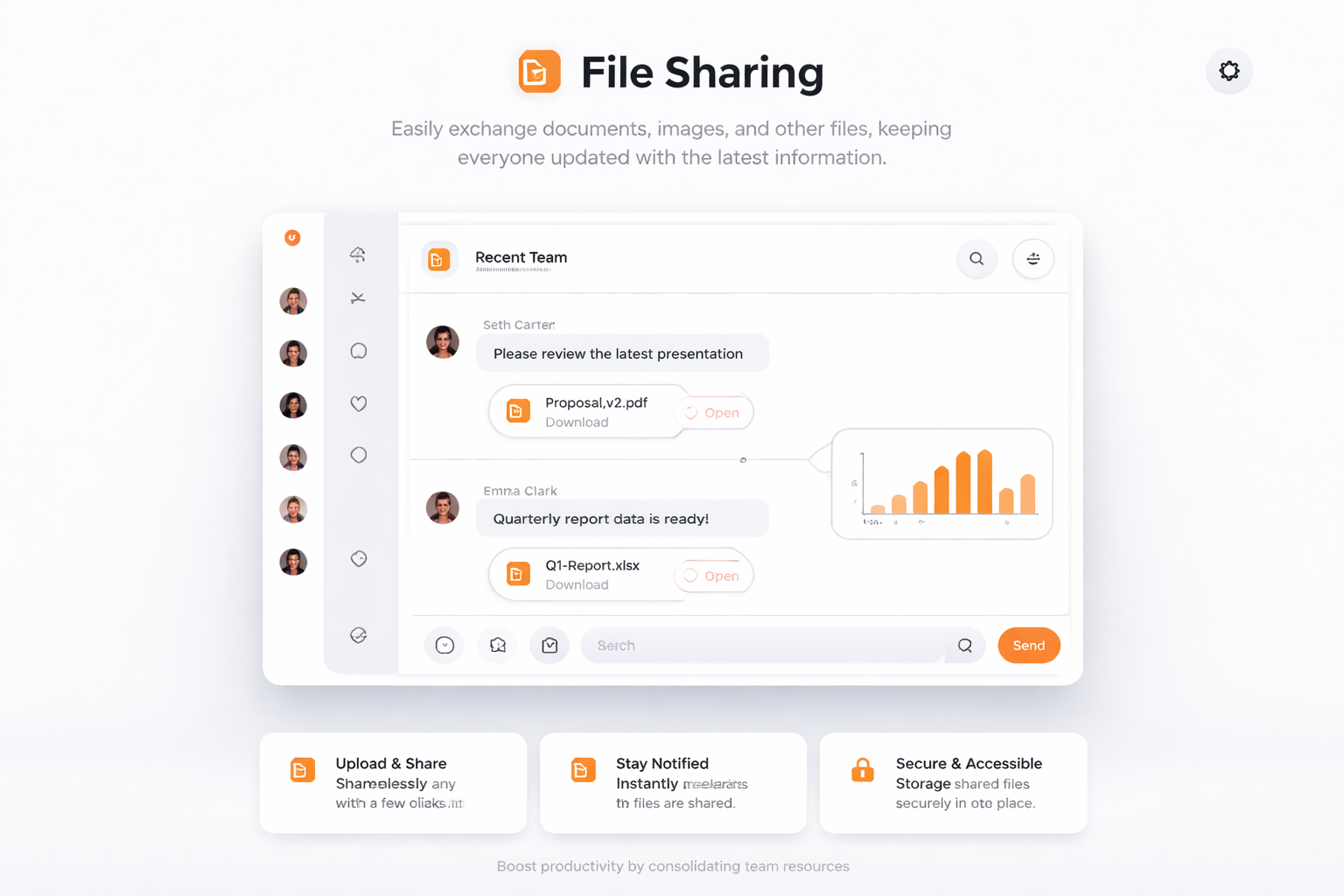
Easily exchange documents, images, and other files, keeping everyone updated with the latest information.
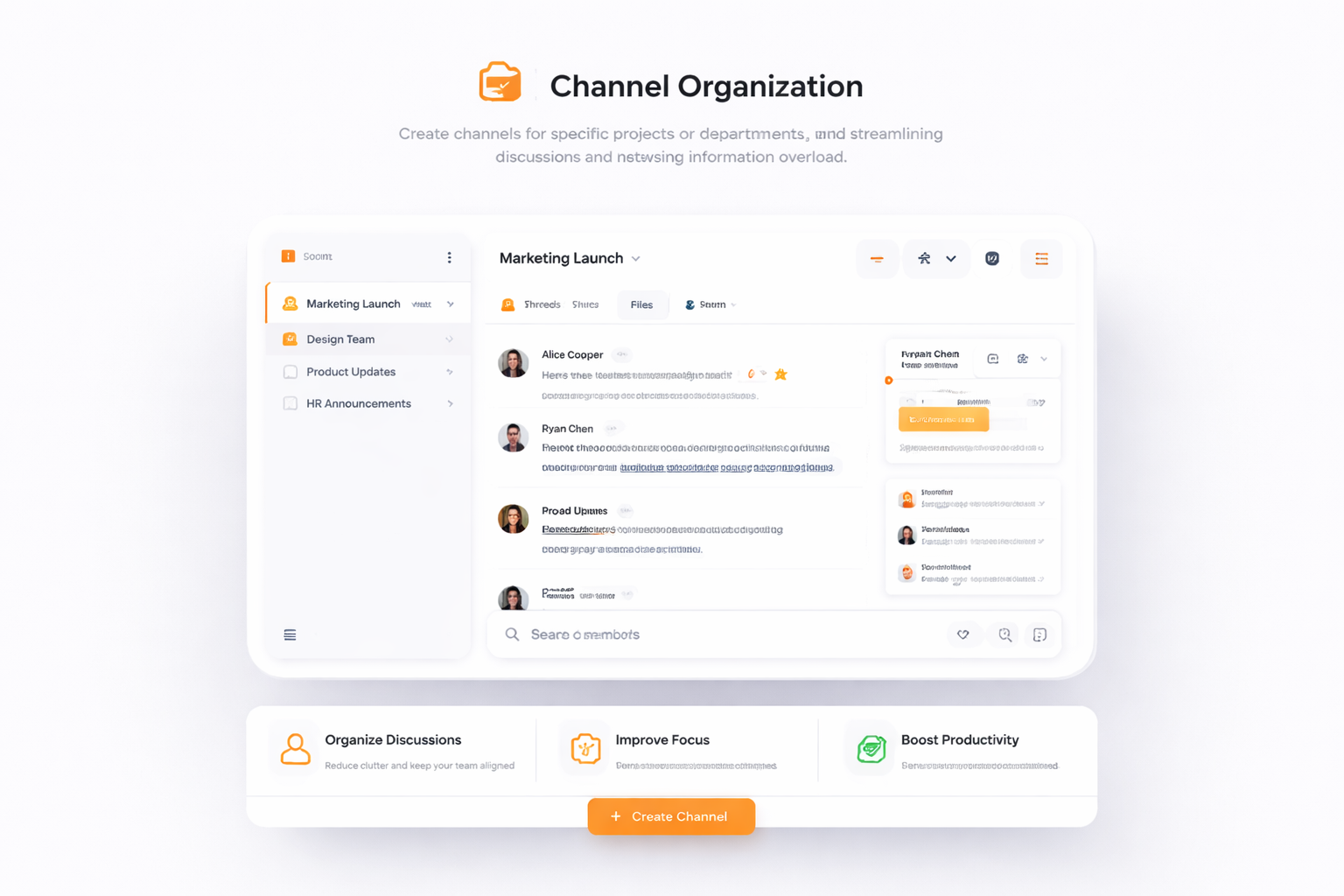
Create channels for specific projects or departments, streamlining discussions and reducing information overload.
Sign up for a TalkHeap account.
Purchase a second number.
Go to Settings tab, click Team Messaging
Subscribe to the add-on
Processed more than 14M SMS messages and 10M minutes of calls.

Utilizing TalkHeap's team messaging has significantly improved our internal communications. The platform is intuitive, allowing team members to share updates and collaborate effectively. We've seen a marked increase in our overall productivity and morale as a result of improved connectivity.

Business Owner, New York, USA
Team messaging is an interactive platform designed to facilitate instant communication and collaboration among team members. It allows for rapid information exchange, file sharing, and creation of persistent channels for various projects or topics.
Team messaging enhances productivity by enabling real-time discussions, allowing teams to respond promptly to queries and share information without delay. This leads to more efficient task coordination and project management.
Team messaging platforms offer features such as file sharing, project-specific channels, direct messaging, public channels, and integrations with other productivity tools, all of which support and enhance team collaboration.
Unlike traditional email, team messaging allows for rapid information exchange and organized conversations with immediate feedback. It facilitates a more engaged workplace by supporting instant communication and collaboration.
Yes, by fostering an environment that promotes teamwork and streamlined communication, team messaging can lead to increased innovation and better problem-solving within your team.