Visual-Voicemail
Enhance your professional image with efficient voicemail management services.
- Access voicemails anytime, anywhere, ensuring you never miss
- TalkHeap's Visual Voicemail presents messages in an organized
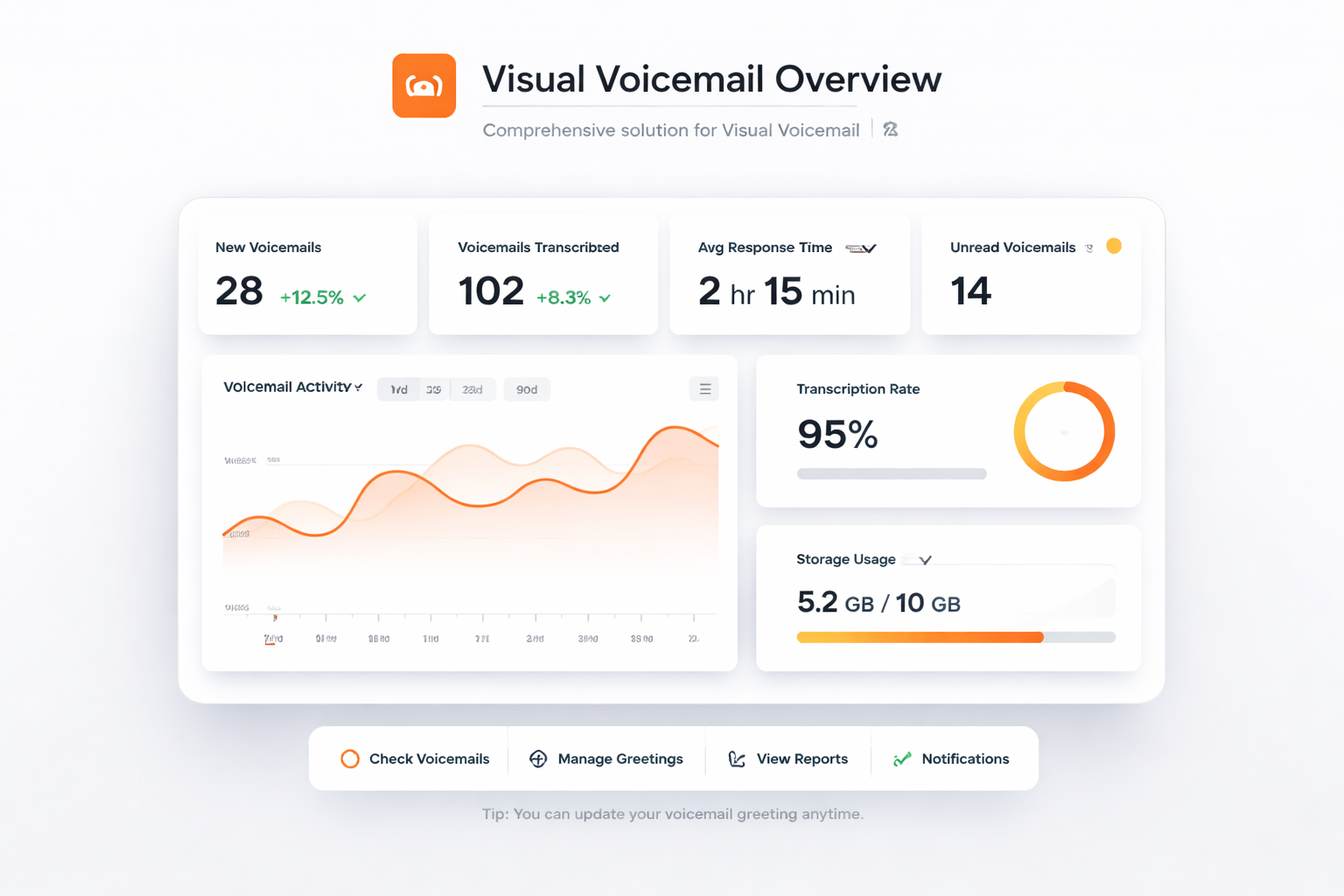
Enhance your professional image with efficient voicemail management services.
Easily view and manage all your voicemail messages in a user-friendly interface.
Access your voicemails regardless of location, ensuring constant connectivity.
Enhance your communications by providing a modern voicemail experience.
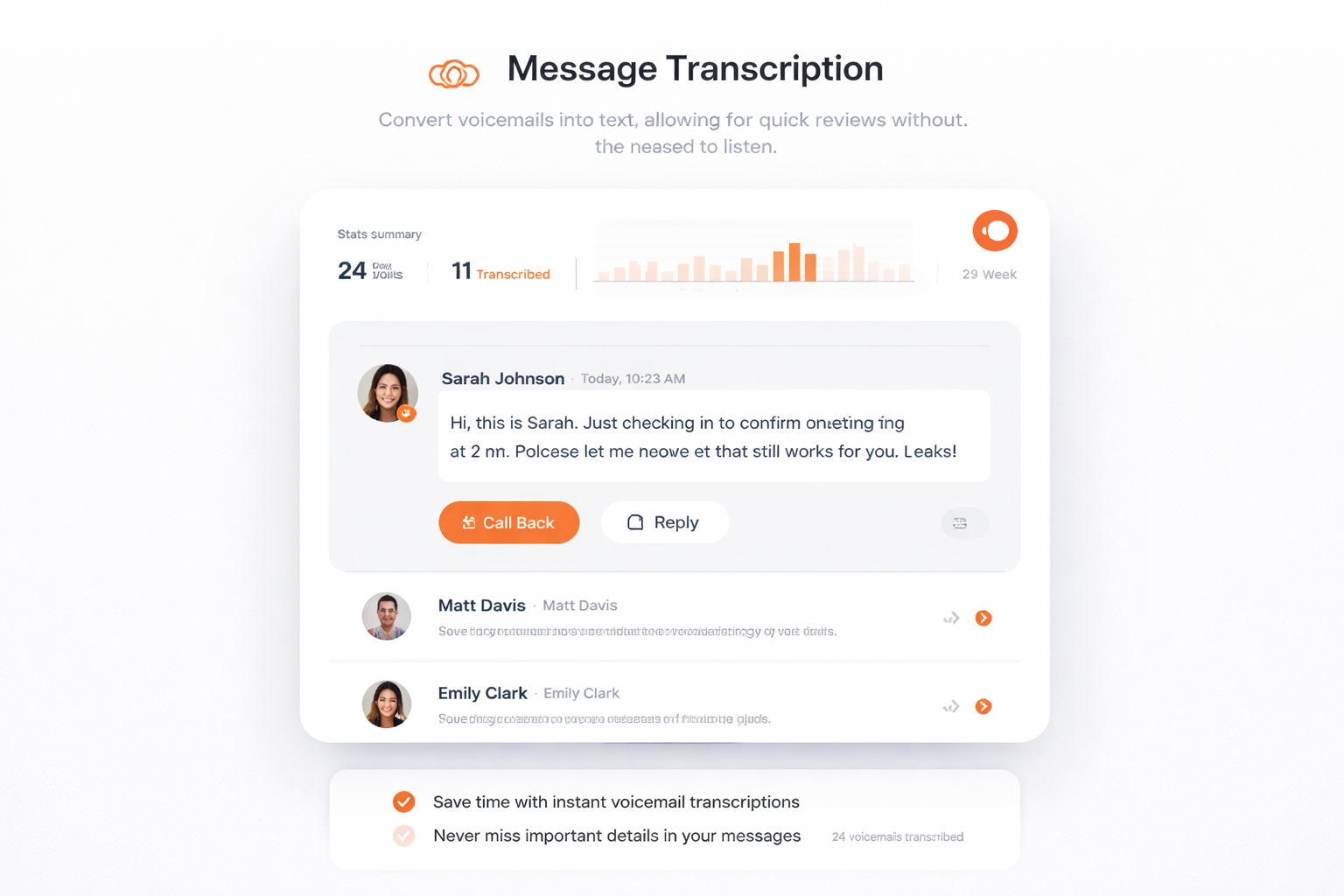
Convert voicemails into text, allowing for quick reviews without the need to listen.
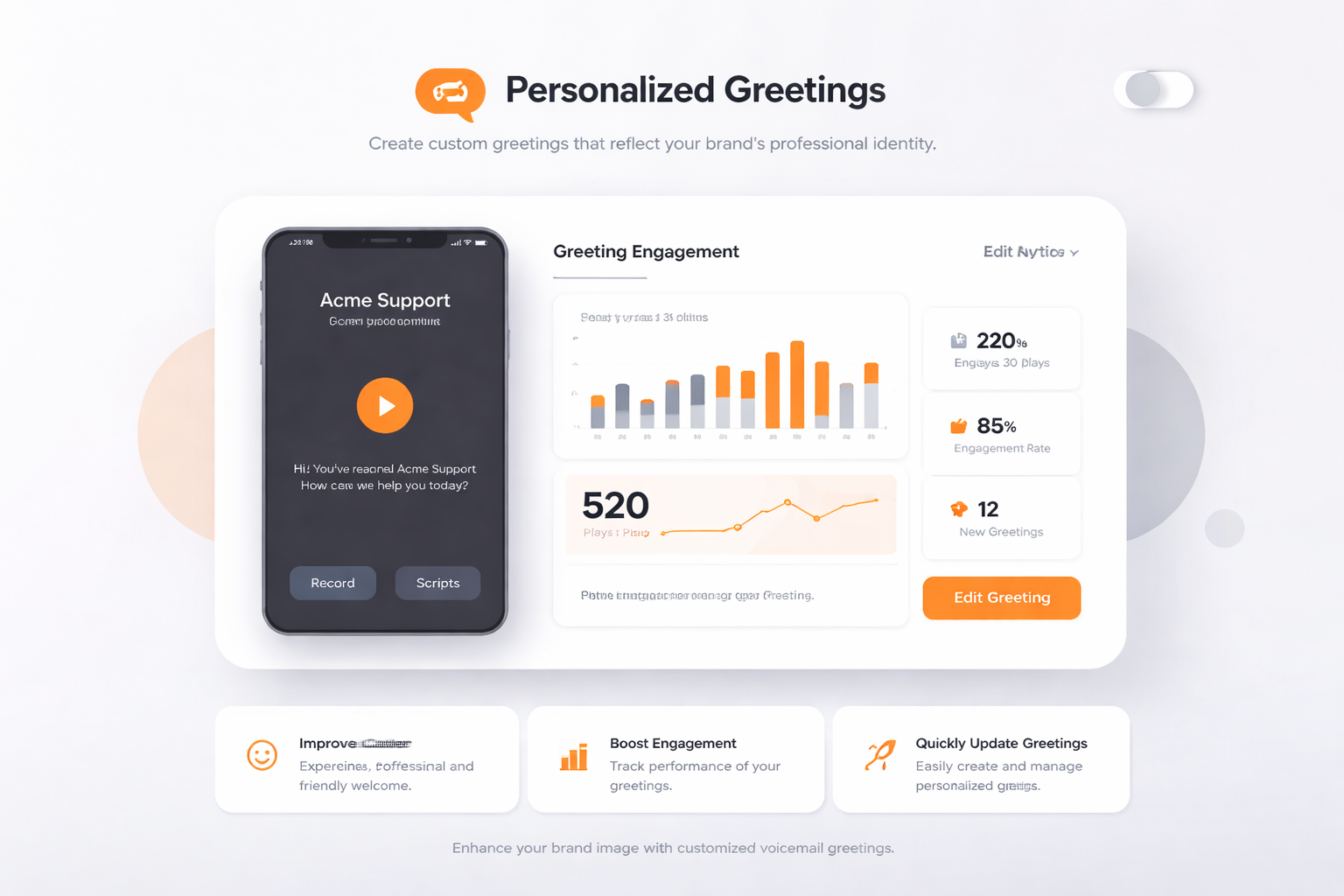
Create custom greetings that reflect your brand’s professional identity.
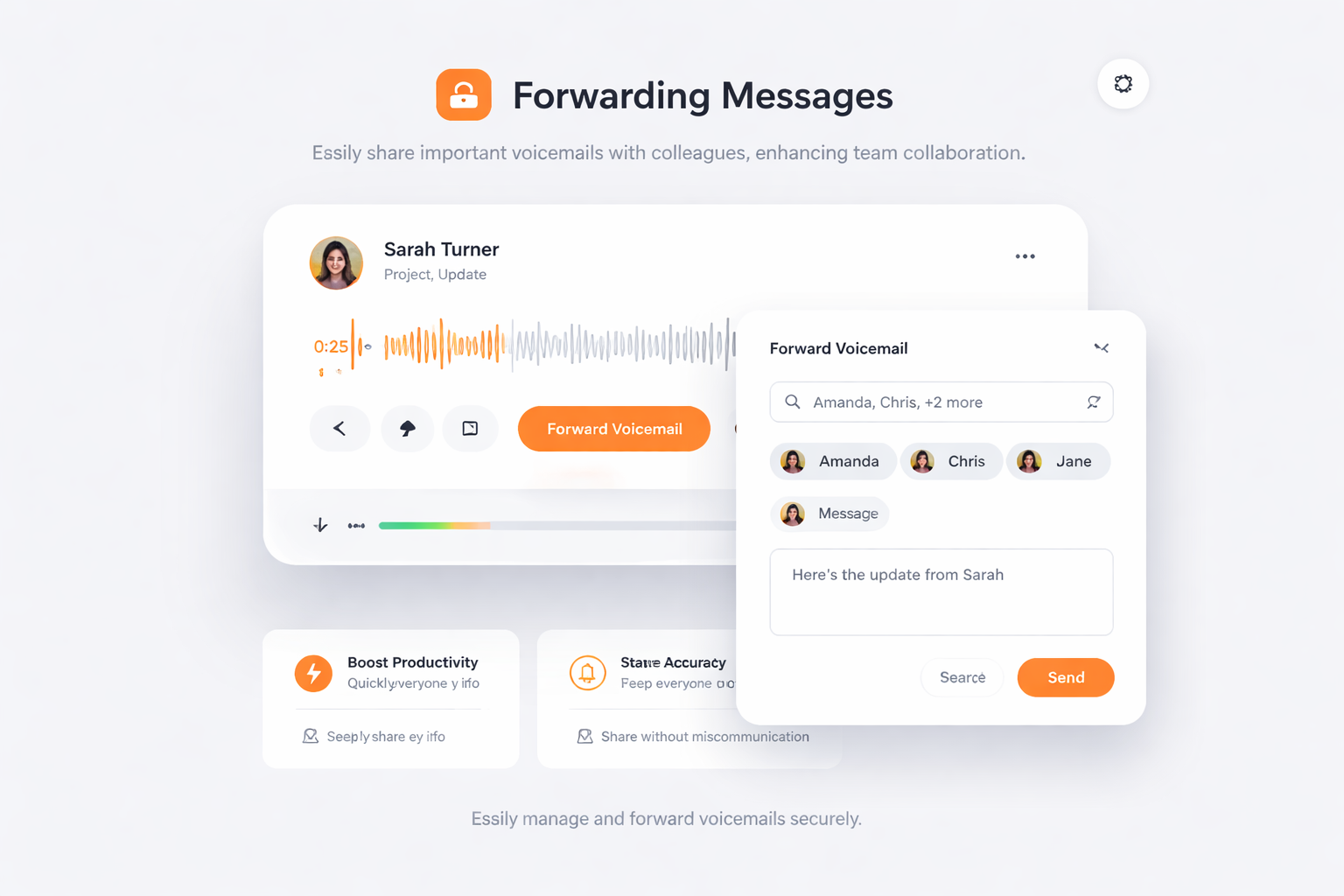
Easily share important voicemails with colleagues, enhancing team collaboration.
Sign up for a TalkHeap account.
Purchase a second number.
Go to Settings tab, click Visual voicemail
Subscribe to the add-on
Processed more than 14M SMS messages and 10M minutes of calls.

Utilizing TalkHeap's Visual Voicemail has transformed our communication approach. The organized interface allows us to manage our messages effectively without missing important client calls. The professional demeanor that this service helps us maintain has been invaluable for our business reputation.

Business Owner, New York, USA
Visual Voicemail is an advanced voicemail management system that allows users to view, listen to, and manage their voicemail messages directly from their device, enhancing productivity and efficiency.
Visual Voicemail improves workflow efficiency by allowing users to view a list of voicemails, listen to them at their convenience, and prioritize responses, ensuring no critical communication is overlooked.
Visual Voicemail offers features such as transcription, personalized greetings, and the capability to forward messages, which save time and improve the professional appearance of business communications.
Yes, Visual Voicemail can be accessed from any device, allowing business users to remain responsive and manage their messages efficiently.
Visual Voicemail integrates seamlessly with existing telecommunication systems, empowering users to maintain a professional image while managing customer inquiries effectively.